
Heating · Autoterm add-on
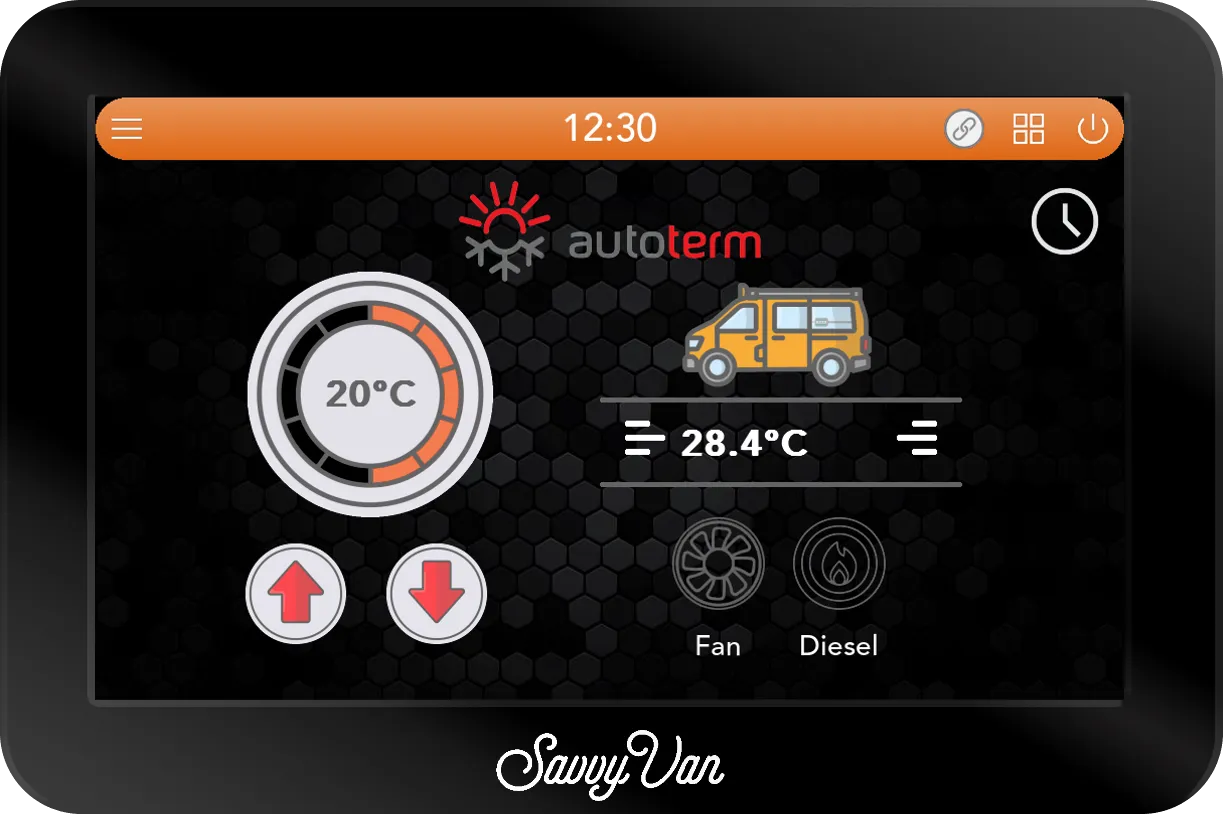
Your Autoterm, on the panel
For Autoterm 2D and 4D heaters connected and controllable via your SavvyVan3. Adds schedules, timers and readable fault information - and an Auto Heat mode that keeps adjusting the heater to maintain temperature rather than leaving it on one fixed setting.
£125 including VAT
You will need: A SavvyVan3 panel and an Autoterm 2D or 4D heater. Everything the add-on needs in software is already on the panel.
What it does
-
Auto Heat
Choose your ideal temperature and let SavvyVan3 do the rest. The system automatically adjusts the heating output to reach and maintain your chosen temperature, gently easing off as the van warms. Smarter than relying on a fixed setting, and quieter too - maintaining a comfortable temperature without repeatedly running at full power.
-
Ten levels, if you would rather choose
Ten burner levels, for choosing how hard it works - each one still rests once the van reaches your temperature - and ten fan levels. Fan only, with no burner, is the one people forget - useful for shifting stale air or drying the van out.
-
A week of schedule, and a timer
Warm for getting up, on the days you choose, and for as long as you choose - half an hour to 8 hours - before it turns itself off.
-
Faults by number, and no surprise restarts
If the heater reports a fault, SavvyVan3 displays the fault code and what to check, so there's no need to decipher flash code in the dark. The heater stays off until you press Reset on the panel, preventing any unexpected restarts.
-
Keeps the heater you have
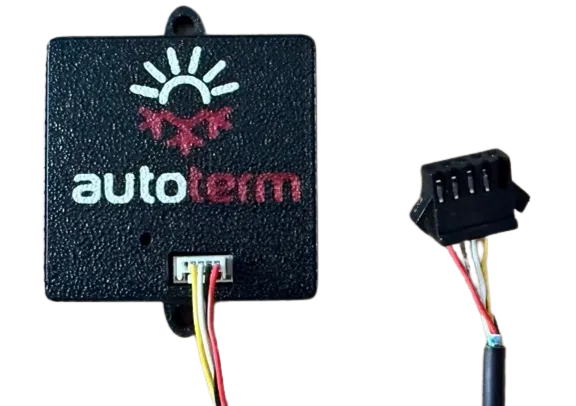
It works with the connections already on the heater, so nothing has to be taken out and refitted.
The numbers
| Heaters | Autoterm 2D and 4D |
|---|---|
| Connection | Wireless to the panel |
Fitting it
- How hard
- Straightforward
- How long
- An hour
It plugs into the connections already on the heater. The heater needs a temperature probe somewhere in the living space before it will burn at all - every panel comes with one, and a second is £8. The add-on takes its power from the heater, so for the best performance leave the heater's isolator on whenever the panel is on. If the add-on loses power, the panel can take up to 30 minutes to find it again.
What else you will need
- An Autoterm 2D or 4D heater already fitted
- The plug that currently goes to your Autoterm controller
- A temperature probe in the living space, which the heater will not burn without - one comes with every panel, a second is £8
Not compatible with SavvyVan Lite v2.1 panels. Worth knowing now rather than after it arrives.
If you have a SavvyVan Lite
The Autoterm module does not work with the SavvyVan Lite v2.1 panel - the previous generation cannot talk to it. It is a panel age thing rather than anything you have done wrong, and the fix is a SavvyVan3.
The instructions, before you buy
Every guide we write is published - read it first and decide whether it looks like your kind of afternoon.
Not sure whether it fits your van? Ask us. There is no such thing as a daft question here - half of ours started the same way.
-
ECE R10.6 EMC Tested
Tested for electromagnetic compatibility to the UN vehicle standard - so it plays nicely with everything else in your van.
-

Made in Britain
Designed and built in Yorkshire, using UK components wherever we can.
-

NCC Approved Supplier
Recognised by the National Caravan Council, the trade body for the UK leisure vehicle industry.
-

Motorhome Matt Approved
Independently reviewed and approved by one of the best-known voices in UK van life.
-

FSB member
Members of the Federation of Small Businesses - because that is exactly what we are.