
A second screen · SavvyDot
Your panel's controls, small and portable
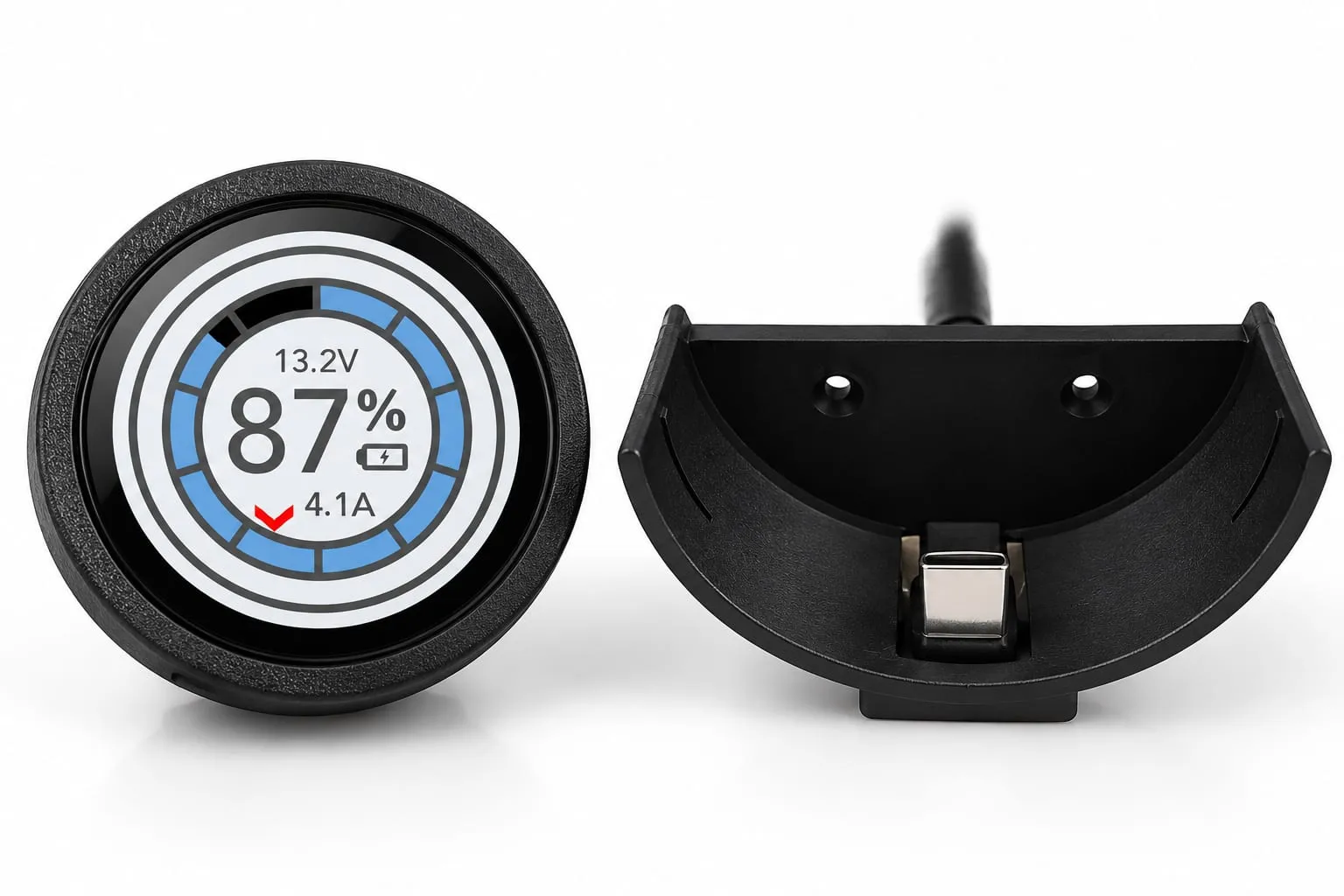
A small round touch screen that brings up to five things from your panel to the bed, the door or the galley, and switches them with a tap. Fixed in place on a USB-C feed, or portable on a charging plate you lift it off.
From £75 including VAT
You will need: A SavvyVan3 panel on software 2.5.1 or later. Everything the add-on needs in software is already on the panel.
What it does
-
Up to five things, a swipe apart
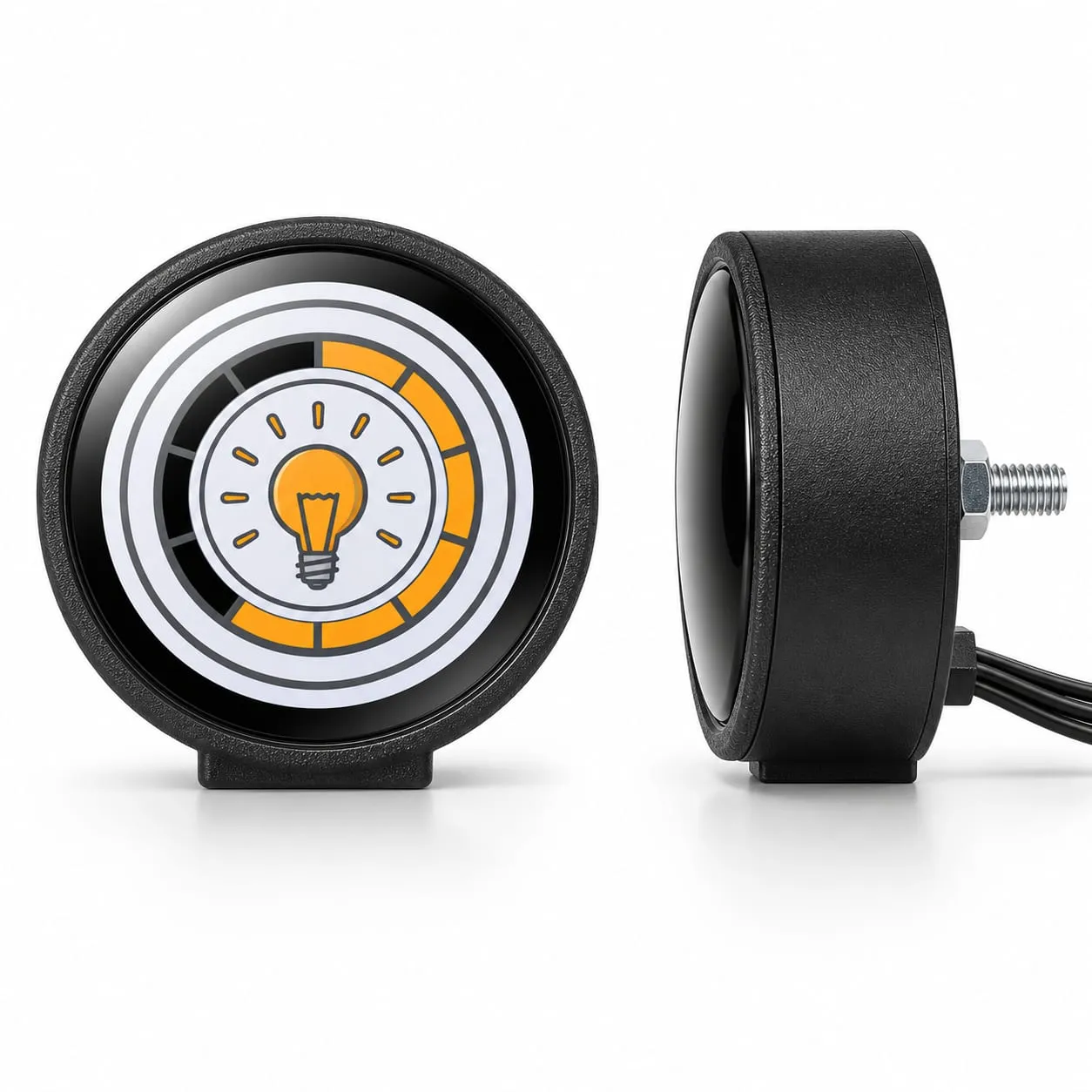
A circuit, a tank, a light or a scene, the heater, the battery, levelling or a voltage - one to a screen, and you swipe between them. Tap to switch, exactly as you would on the panel.
-
It shows what your panel has
The dot is a second screen, not a new system. Tank levels need SavvyTanks, heating the Propex or Autoterm module, dimming SavvyLights, levelling SavvyStance, and a battery percentage a SavvyShunt or a battery that reports itself - not a Clayton Power LPS2. Without those it shows the panel's circuits and voltage.
-
Fixed or portable
The fixed version is bolted on from the back, on a USB-C feed, and never needs charging. The portable one sits on a plate screwed into position that holds and charges it - lift it off to carry it round the van, for up to six hours depending on brightness and screen timeout.
-
Always in step
Everything goes through the panel, so a tap on the dot does what the same tap on the panel would, and the two agree whichever you use.
Which one do I need?
- Fixed £75 Bolted on from the back, on a USB-C feed
- Portable £90 On a charging plate screwed into position - lift it off to carry it
The numbers
| Screen | 1.28-inch round touch screen |
|---|---|
| Shows | Up to five things, chosen at the panel |
| Power | USB-C, 70 mA at most |
| Portable, off its plate | Up to 6 hours, depending on brightness and screen timeout |
| Connection | Wireless to the panel |
| Panel software | 2.5.1 or later |
Fitting it
- How hard
- Straightforward
- How long
- Fitting, then a few minutes at the panel
Bolt the fixed one on from the back, or screw the portable one's charging plate into position. Then pair it from the panel's pairing page, choose its five slots under Dot Configuration and press Deploy. The first Deploy also brings the dot's own software up to date. For the best performance, keep its feed live whenever the panel is on - if the dot loses power, the panel can take up to 30 minutes to find it again.
What else you will need
- A SavvyVan3 panel on software 2.5.1 or later - an older panel updates first
- Power where you fit it - a USB-C feed for the fixed version, or a feed for the portable one's charging plate
- For the fixed version, a spot you can reach behind - it is bolted on from the back
- The installer passcode to pair it and choose what it shows
Not compatible with SavvyVan Lite v2.1 panels. Worth knowing now rather than after it arrives.
If you have a SavvyVan Lite
The SavvyDot works with SavvyVan3 panels only - the SavvyVan Lite v2.1 cannot pair one. It is a panel age thing rather than anything you have done wrong, and the fix is a SavvyVan3.
The instructions, before you buy
Every guide we write is published - read it first and decide whether it looks like your kind of afternoon.
Not sure whether it fits your van? Ask us. There is no such thing as a daft question here - half of ours started the same way.
-
ECE R10.6 EMC Tested
Tested for electromagnetic compatibility to the UN vehicle standard - so it plays nicely with everything else in your van.
-

Made in Britain
Designed and built in Yorkshire, using UK components wherever we can.
-

NCC Approved Supplier
Recognised by the National Caravan Council, the trade body for the UK leisure vehicle industry.
-

Motorhome Matt Approved
Independently reviewed and approved by one of the best-known voices in UK van life.
-

FSB member
Members of the Federation of Small Businesses - because that is exactly what we are.