

SavvyVan app
Your van, in your pocket
Battery, water, gas, lights, switches and heating - the same screens as the panel, from anywhere with a signal. Useful from the front seat. Rather more useful from four hundred miles away, wondering whether you left the lights on.


Free to download on Android and iPhone. The iPhone app needs iOS 16.4 or later.
What you get to look at
The app mirrors your own installation, so you see what you fitted and nothing you did not. If there is no shunt in your van, there is no battery percentage in your app.
-
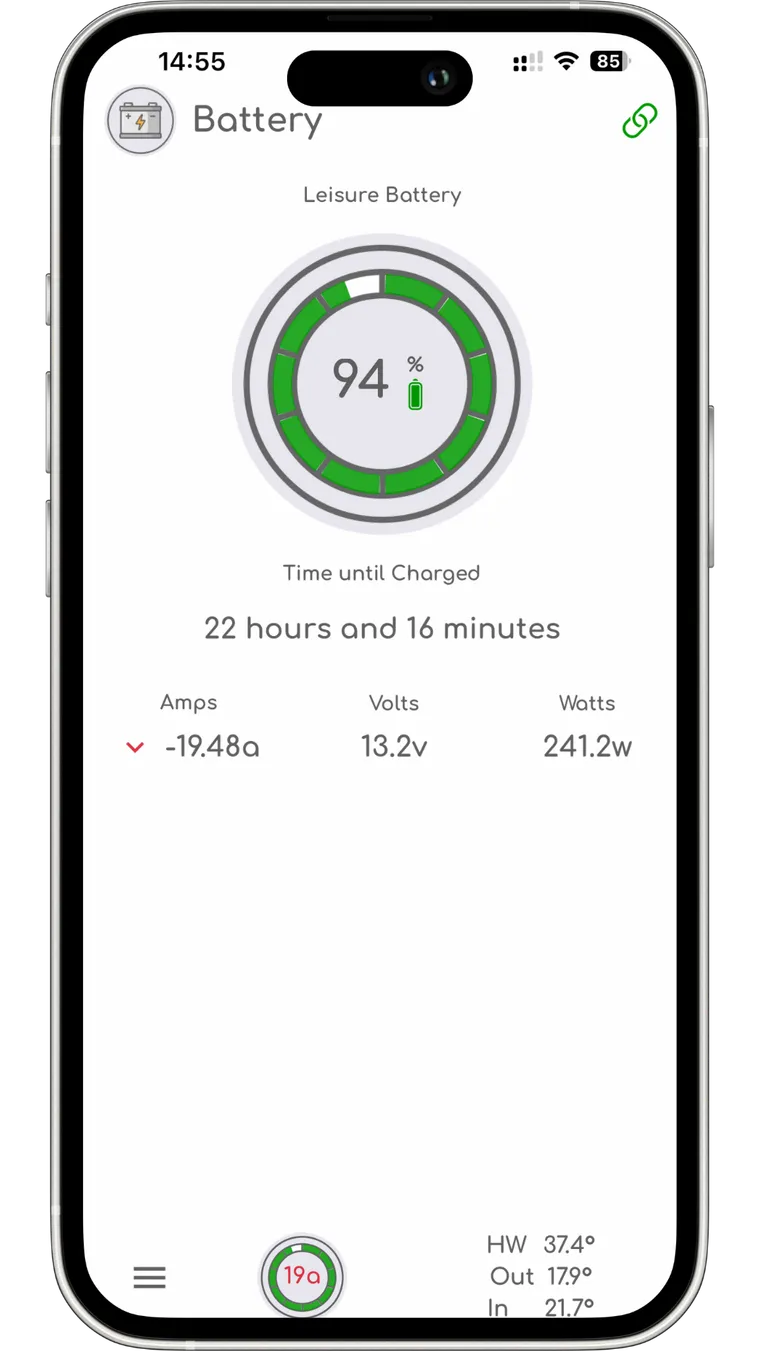
Battery
State of charge, time left at the rate you are using it, and live amps, volts and watts.
-
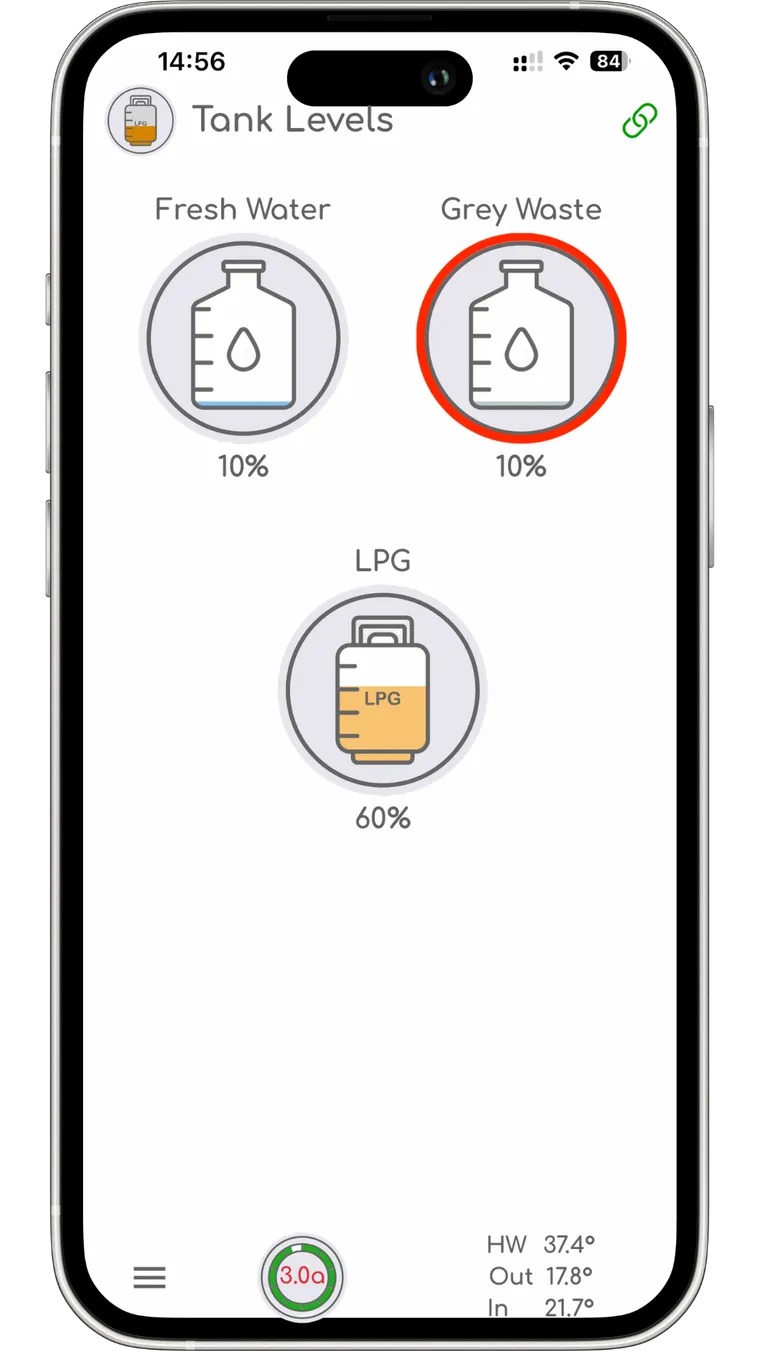
Tanks and gas
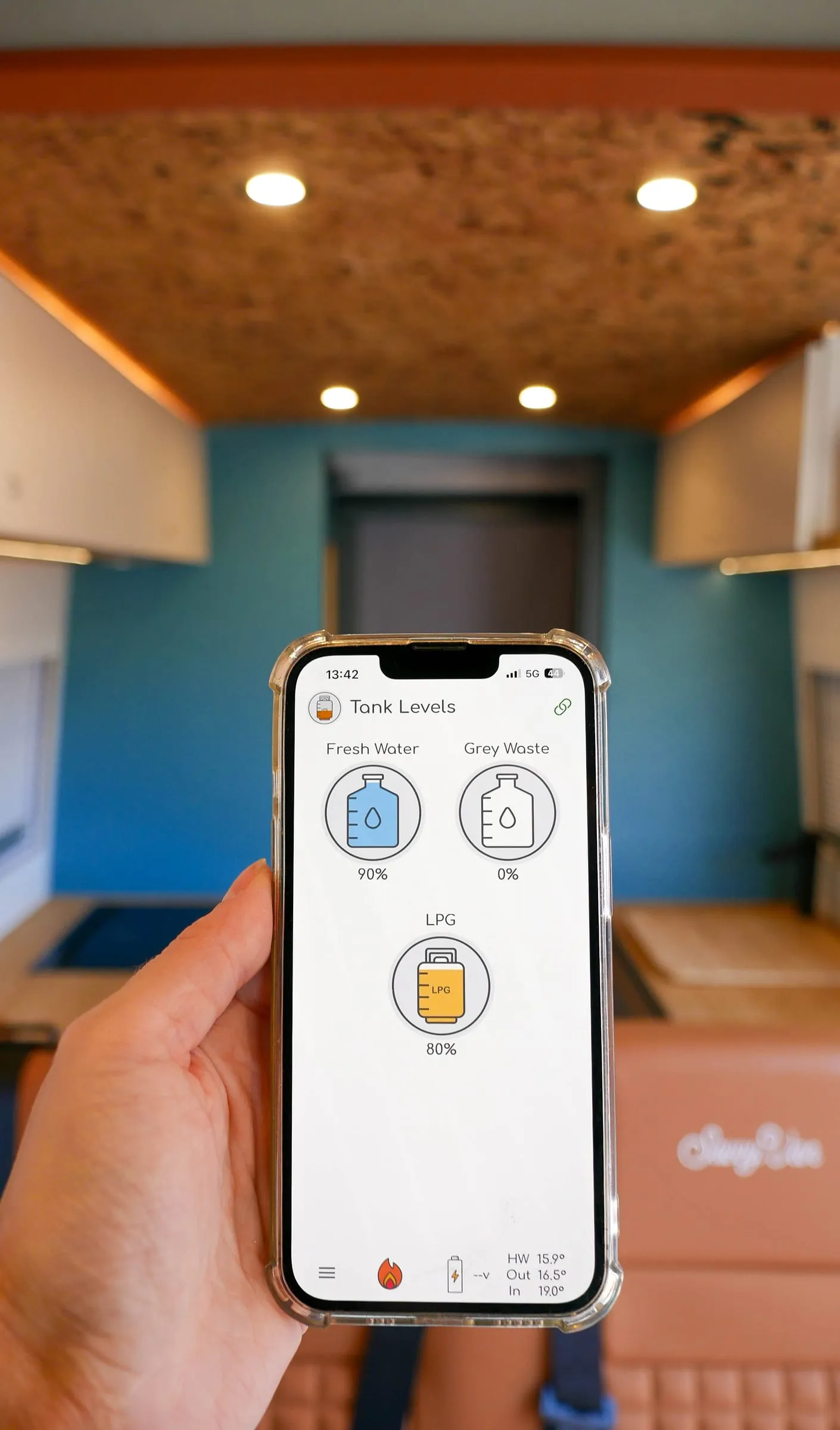
Fresh, grey and LPG together. A tank that needs attention goes red before you notice the hard way.
-
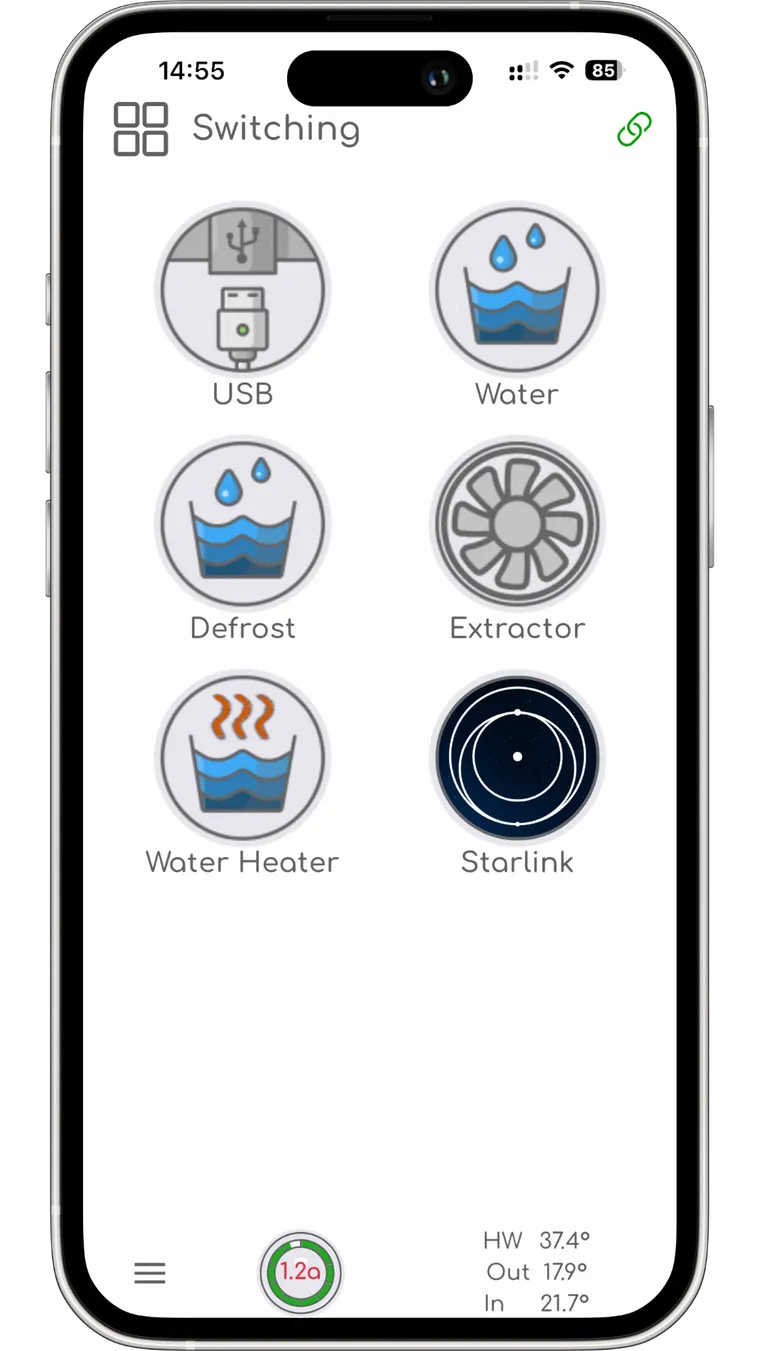
Switching
Your circuits, with the names you gave them during setup - not channel one through eight.
-
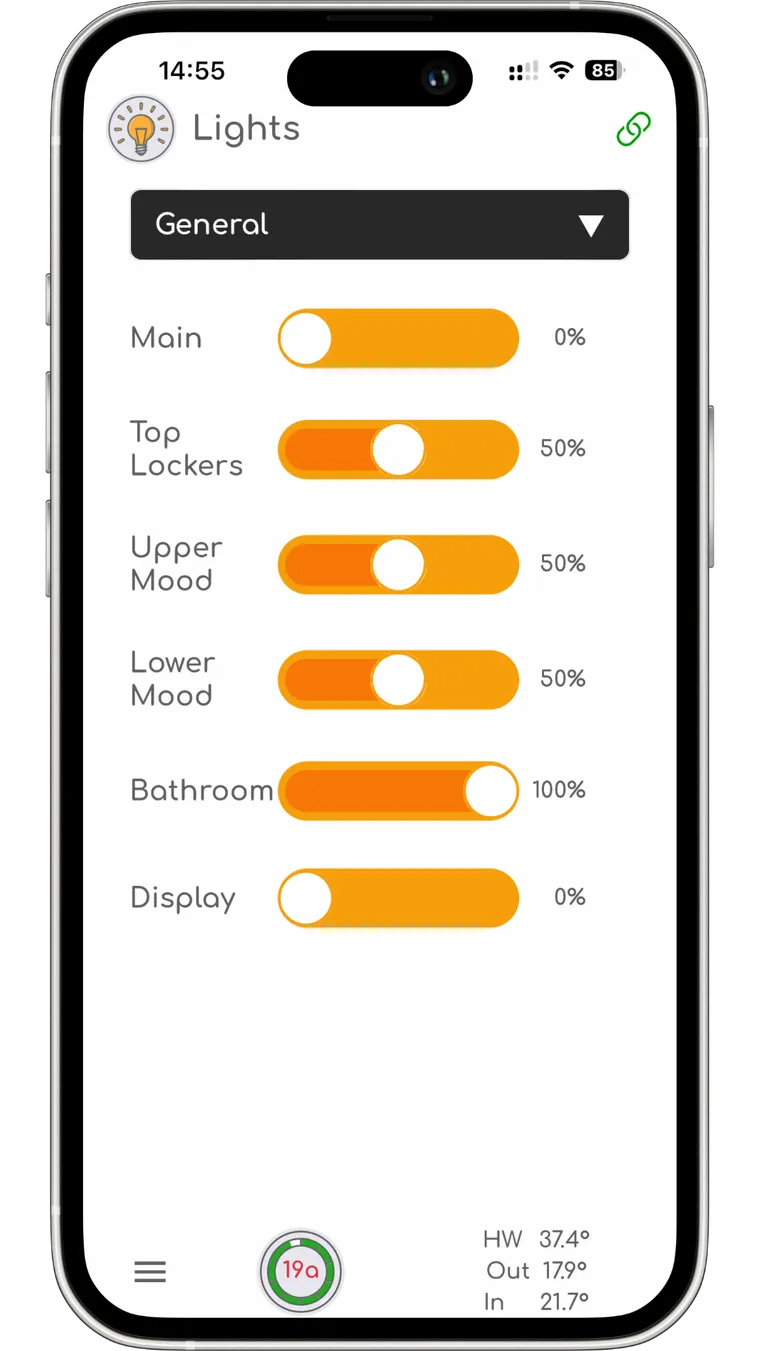
Lighting
Every circuit dimmable, grouped into zones, with the scenes you already set on the panel.
-
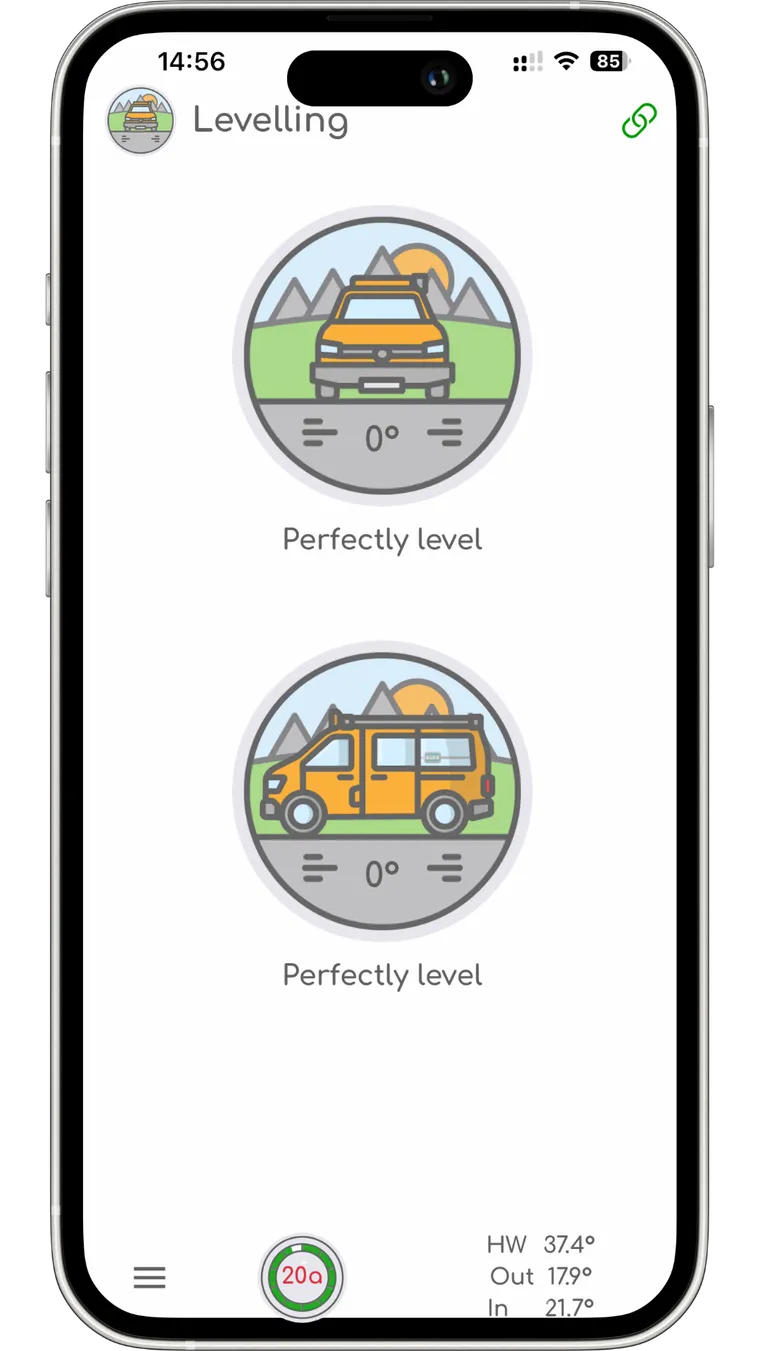
Levelling
Front and side at once. Genuinely useful when you are the one outside holding the ramps.
-
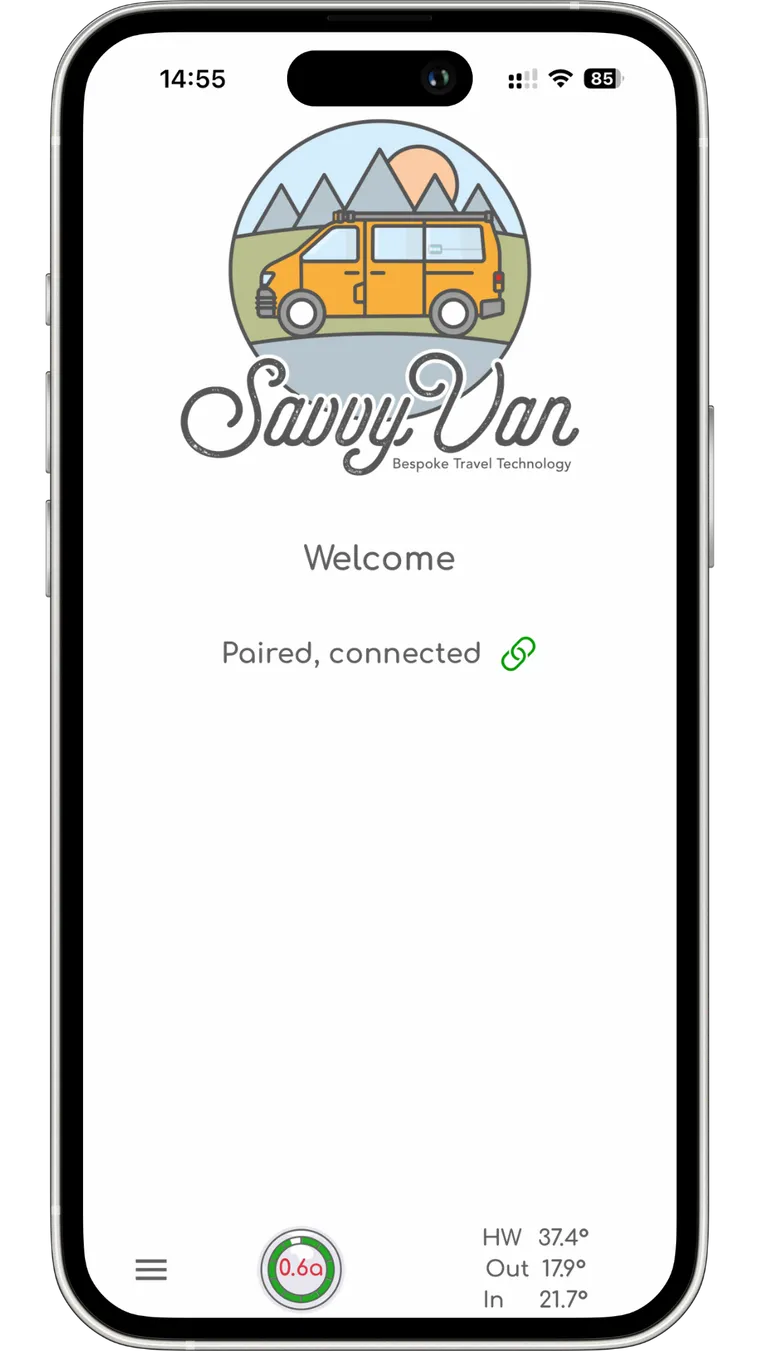
Paired
Live current and the temperatures you care about sit along the bottom of every page.
-
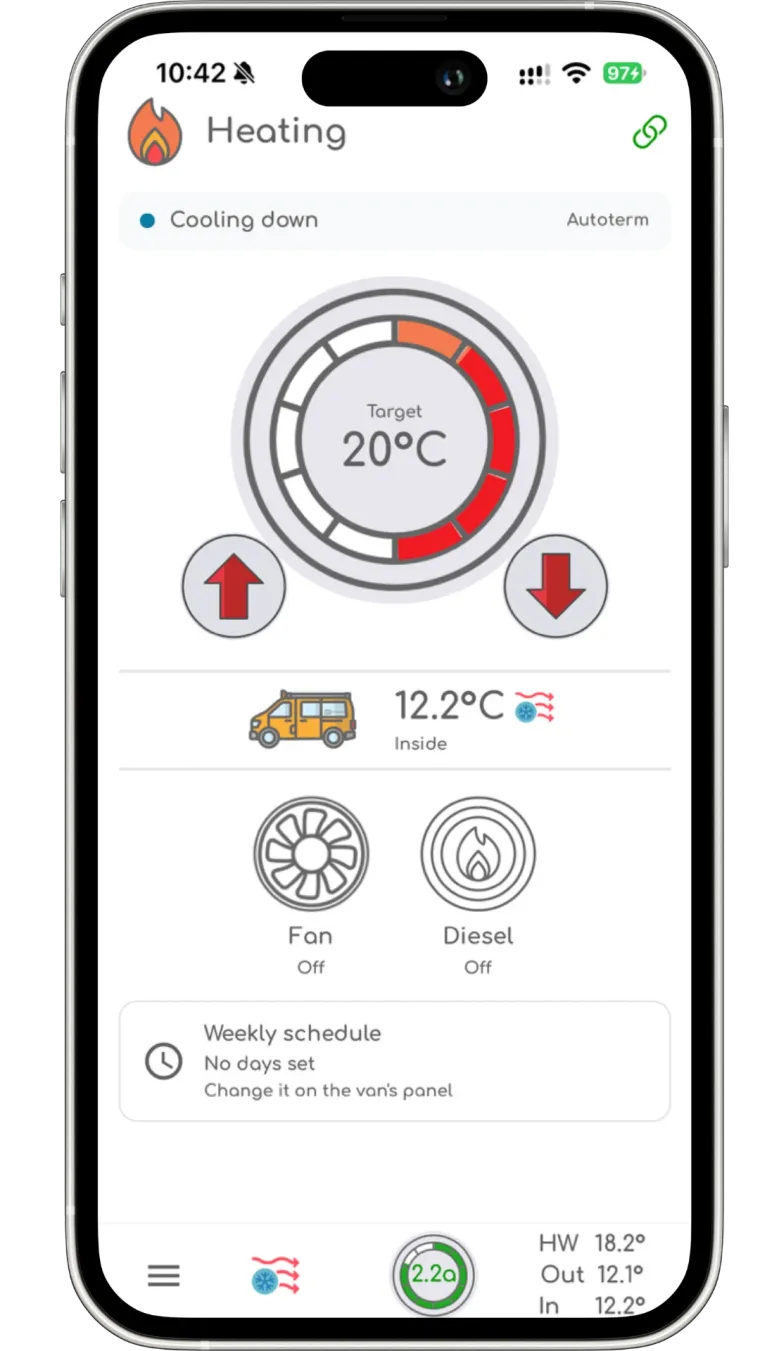
Heating
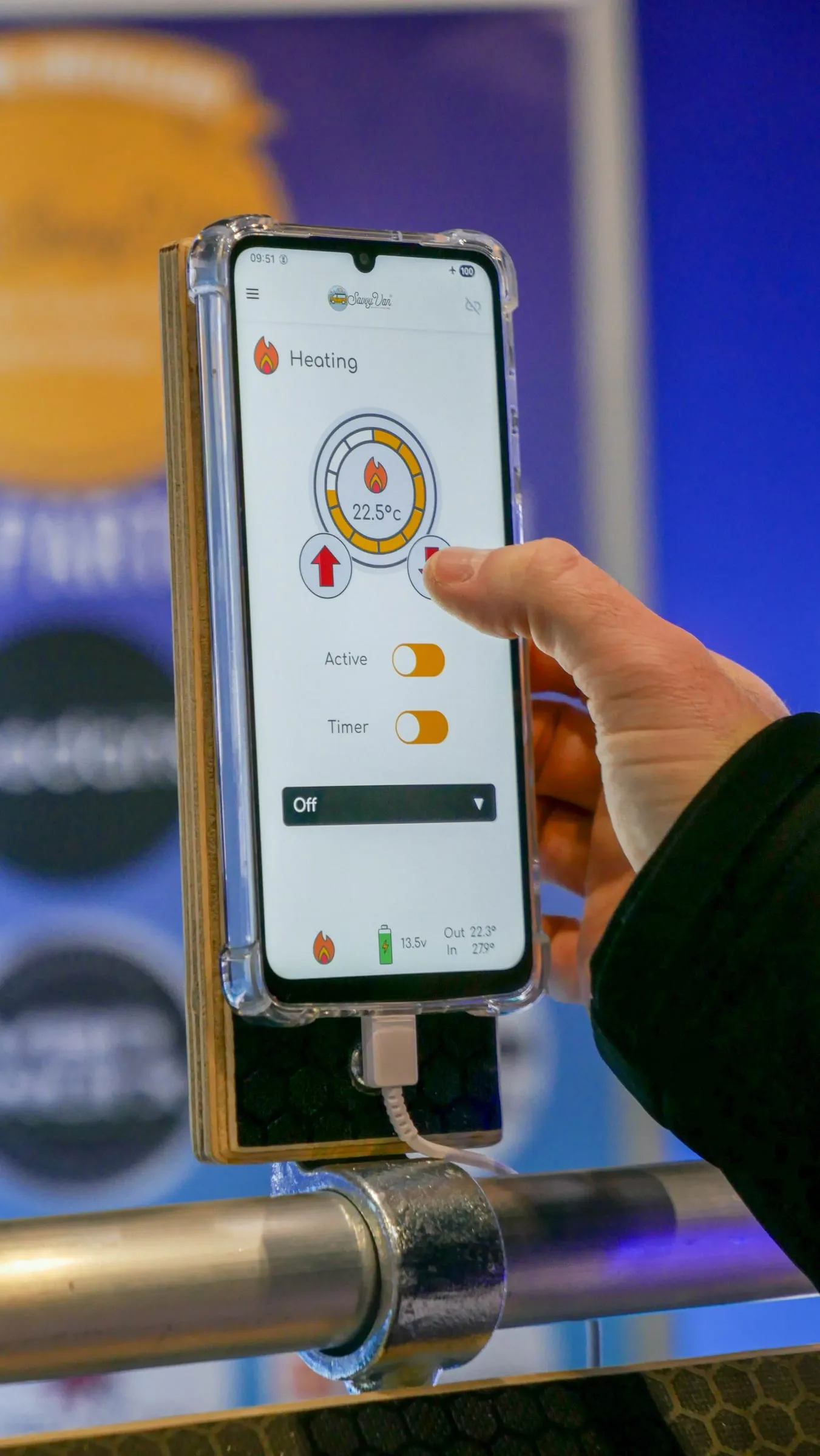
With a Propex or Autoterm add-on: the target temperature, what the heater is doing, and the weekly schedule you set on the panel.
What it costs
Looking is free. Paying only starts when you want to press things.
Free
Seeing everything
Battery, tanks, gas, levelling and the temperatures - for anyone with a paired panel, for as long as you own it. Install it, scan the code, and that is the whole transaction.
£9.99 a year
SavvyVan Pro, or £29.99 once
Adds control - the switches, the lights and the heating. The yearly one renews each year unless you cancel it, which you can do at any time from your Google Play or Apple account. The one-off does not renew, and works out cheaper inside three years.
Both prices include VAT. Bought through Google Play or the App Store rather than from us, so cancelling and refunds go through your Google or Apple account.
Nothing to decide today: the app pairs and shows you everything before it ever asks. And the panel is unaffected either way - Pro adds features to the app, it is not a licence for the hardware, and every control still works on the screen in the van whether you buy it or not. The full terms, including any free trial and how renewal works, are in the EULA.
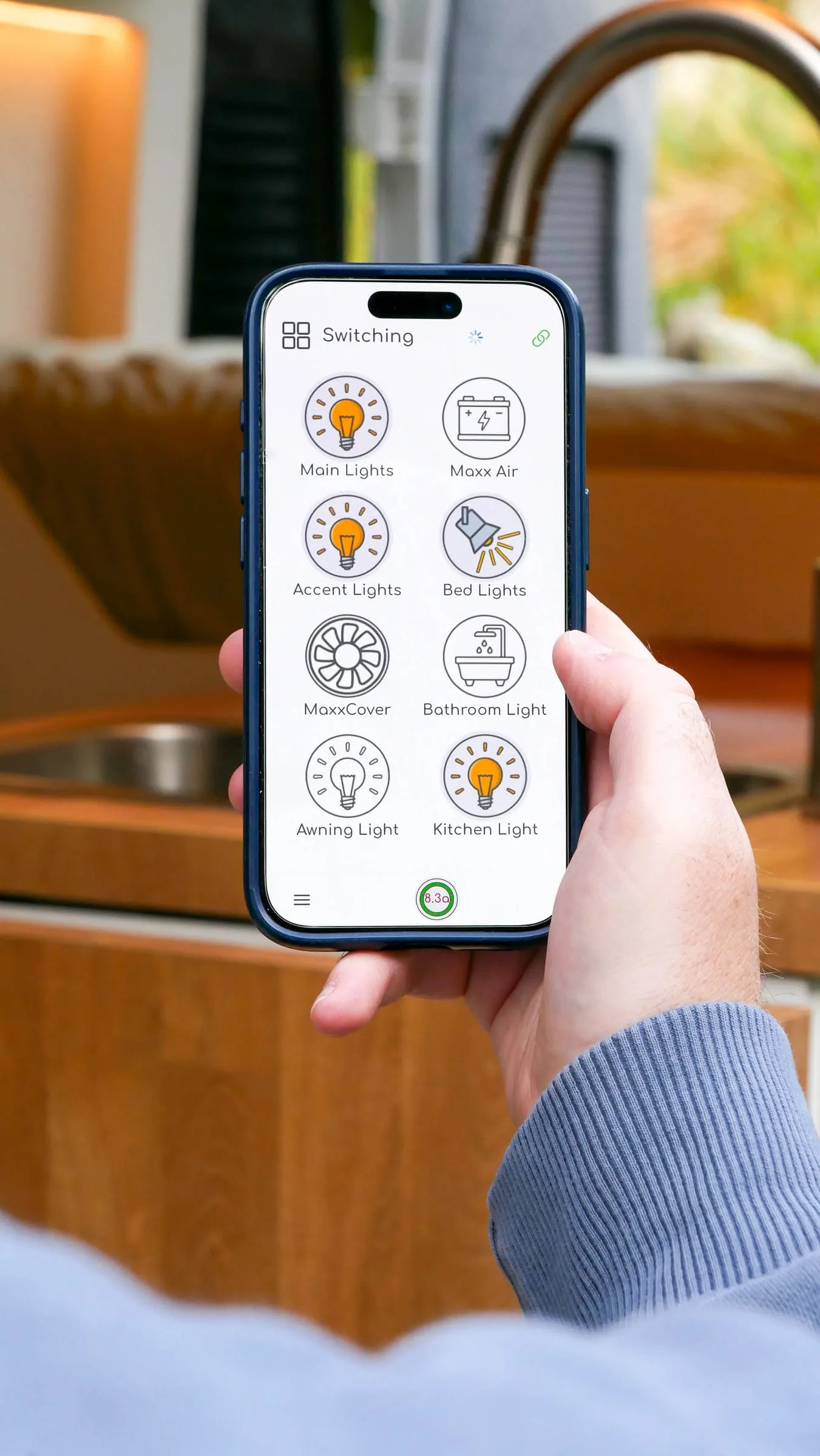
It is the same van, not a copy of it
The app and the panel stay in step. Turn the bathroom light off from your phone and the panel knows; change a scene on the panel and the app has it. There is one set of settings, kept in one place, and the two never disagree about what is on.
The tiles carry the names you chose during setup, so the app speaks your van’s language too - Bed Lights and Awning Light, not Circuit 3 and Circuit 7.
The questions you actually ask
Not what voltage is the leisure battery. More: is there enough water for a shower, will the gas last the weekend, and did anyone turn the water heater off before we walked into town.
Every page keeps the numbers that matter along the bottom - live current draw, and the hot water, outside and inside temperatures - so those are answered wherever you happen to be in the app.
Warm before you get there
With a Propex or Autoterm add-on, the heating page comes to the phone too - target temperature, on and off, and what the heater is doing. Which is worth rather a lot on a January Friday, an hour down the motorway from a van that has been sitting at four degrees all week. Start it from the phone and the van switches it off after two hours, even with your phone off, unless you switch on 'Keep running past 2 hours' as you start it. Timers and the weekly schedule stay on the panel.
Only heating started from the app has that two-hour limit, and the panel shows no sign of it until it ends, when it says: Heating switched off after 2 hours, the time limit set from the app.
Pairing takes a few minutes
No account to create, no code to type in, nothing to register.
-
Get the panel online
It is not a Bluetooth app - it works over the internet. Van WiFi, a 4G router, Starlink - whatever you already have. The panel connects out, and your phone reaches it from anywhere with a signal.
-
Update it to the latest software
The app only works with software 2.4.0 or later, so pair after updating, not before. On the panel, open Settings, then System Information - the version is listed there - tap Update Now. The screen can go blank for a few minutes while it works, which is normal.
-
Scan the code from inside the app
Tap the link icon on the panel and tick Enable App Features, and it shows a QR code carrying a key unique to your device. Open the SavvyVan app, choose Pair Device, and scan it from there - your phone’s own camera app cannot pair it.
-
That is the whole job
The app mirrors whatever your panel has. Nothing to configure twice - the names, scenes and tiles all come across as they are.
And only you can do it
The QR code carries a key the panel generates for itself, and it is shown on the panel - so pairing needs physical access to the van. Nobody can link to your van from a car park, or from the internet, however much they know about it.
Traffic between the app and the panel is relayed securely, and operational system data is not stored along the way. If you would rather not have it connected at all, the phone connection switches off entirely from the panel - which saves a little power too.
The full walkthrough is in the app setup guide, and the privacy policy covers what is and is not kept.
You will need a panel to point it at
The app is a companion to a SavvyVan3, not a thing on its own. If you have not got one yet, that is the bit to start with.