
Power
Know what your battery is doing
"It says 12.8 volts" is not an answer to "can I make coffee in the morning?" A percentage, a live current and a time remaining are - and there is more than one way to get them.
The set up you need depends on what is already in the van, so start there rather than with our product names.
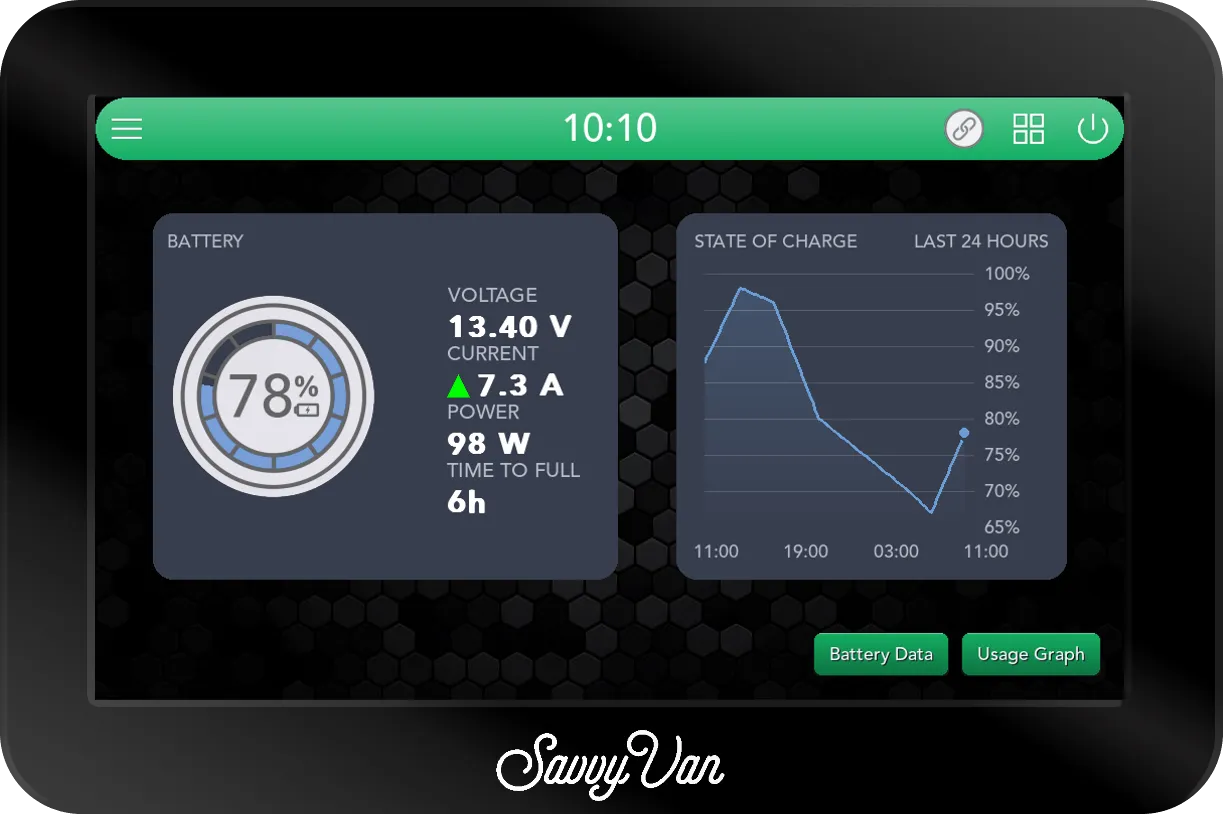
Four ways to see it, in order of cost
Every panel does the first one already. The other options depend on what is in the van - and three of the four cost you nothing.
-
Already fitted
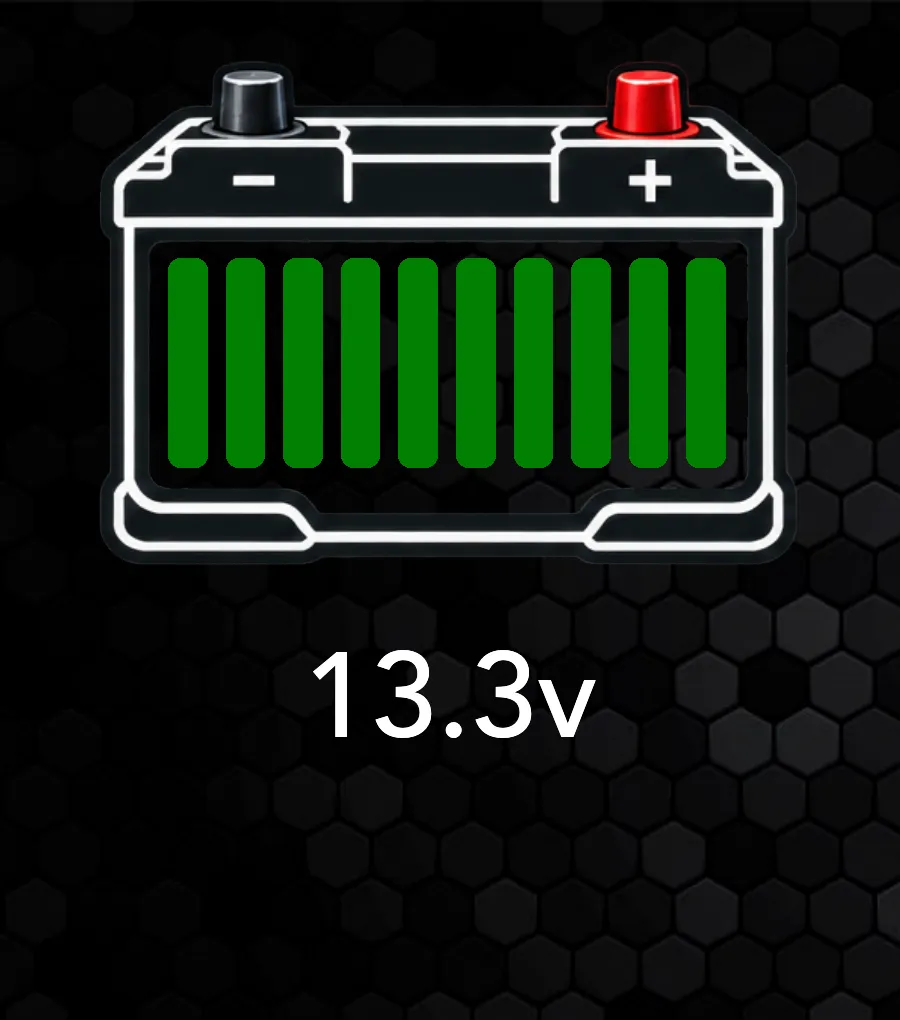
The built-in voltage sensor
Included with every panel
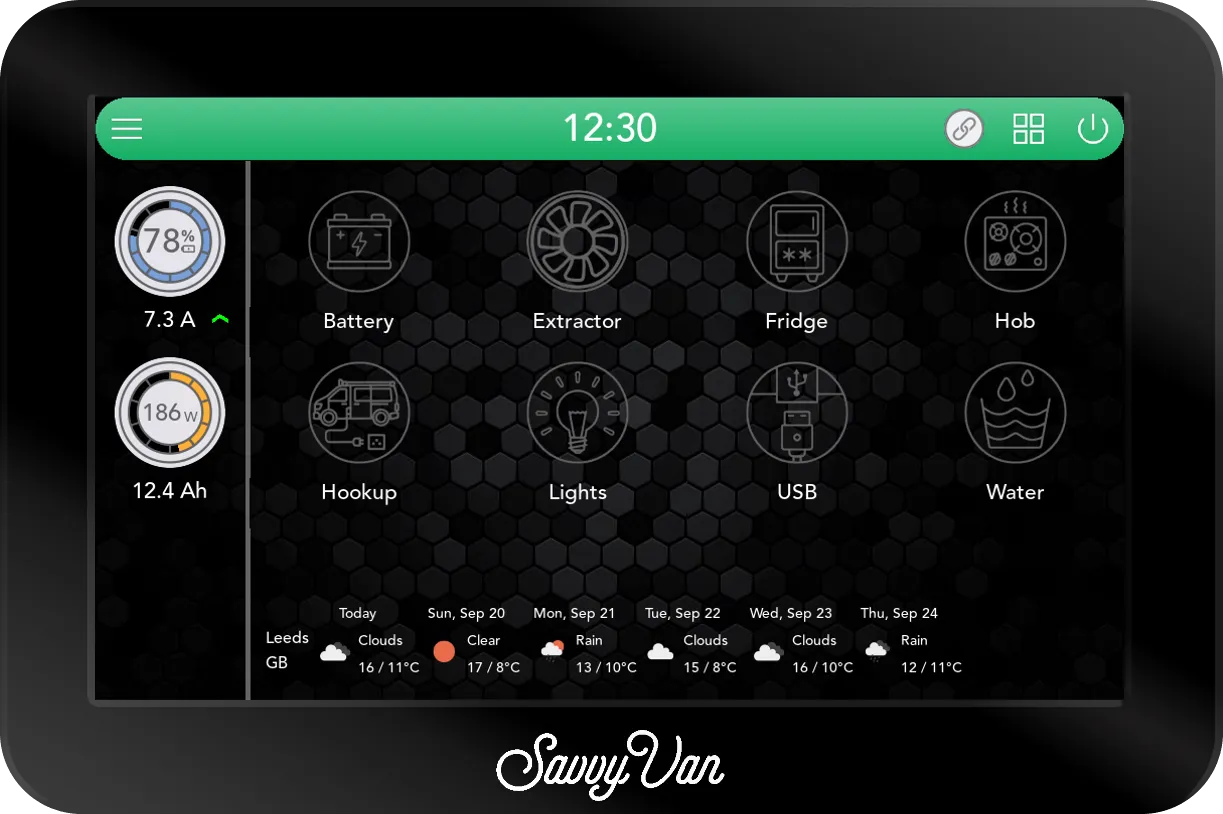
Every SavvyVan3 reads battery voltage on its own, with nothing added. You get a voltage and, on a 12V system, a ten-bar gauge of where you stand. Wire its second input to the vehicle battery and that gets a dial of its own, labelled Vehicle.
The catch. Voltage is a decent guide on lead acid. On lithium it barely moves until the end, so it tells you very little until it tells you everything at once.
Fine if you mostly stay on hook-up and your battery is lead acid.
-
No extra hardware
Data straight from the battery
Free, if your battery is one of eight brands
Fogstar, Roamer, LithiumPro, Teconnex, Skyenergi, TN Power, Titan and Koven batteries report themselves over wireless. The panel reads state of charge, current and voltage from the battery’s own management system - and, unlike a shunt, what each cell is doing.
The catch. Only these brands. If your battery is something else, this route is not open to you - and there is nothing to fit to make it open.
The obvious choice if you already own one, and a real reason to pick one if you are still choosing.
-
No extra hardware
A Clayton Power LPS2
Free, if one is already fitted
An LPS2 is the battery, charger and inverter in one box, so it already counts everything going in and out. From panel software 2.5.1 the panel reads its state of charge, time to full or empty, and what its solar, mains and DC-DC chargers are putting in - and switches its inverter.
The catch. It replaces the other routes rather than joining them. With an LPS2 the panel will not take a shunt, a direct battery link or a separate solar connection - and it says so if you try.
Nothing to buy and nothing to fit. If you have one, this is your answer and the rest of this page is not for you.
-
Works with anything
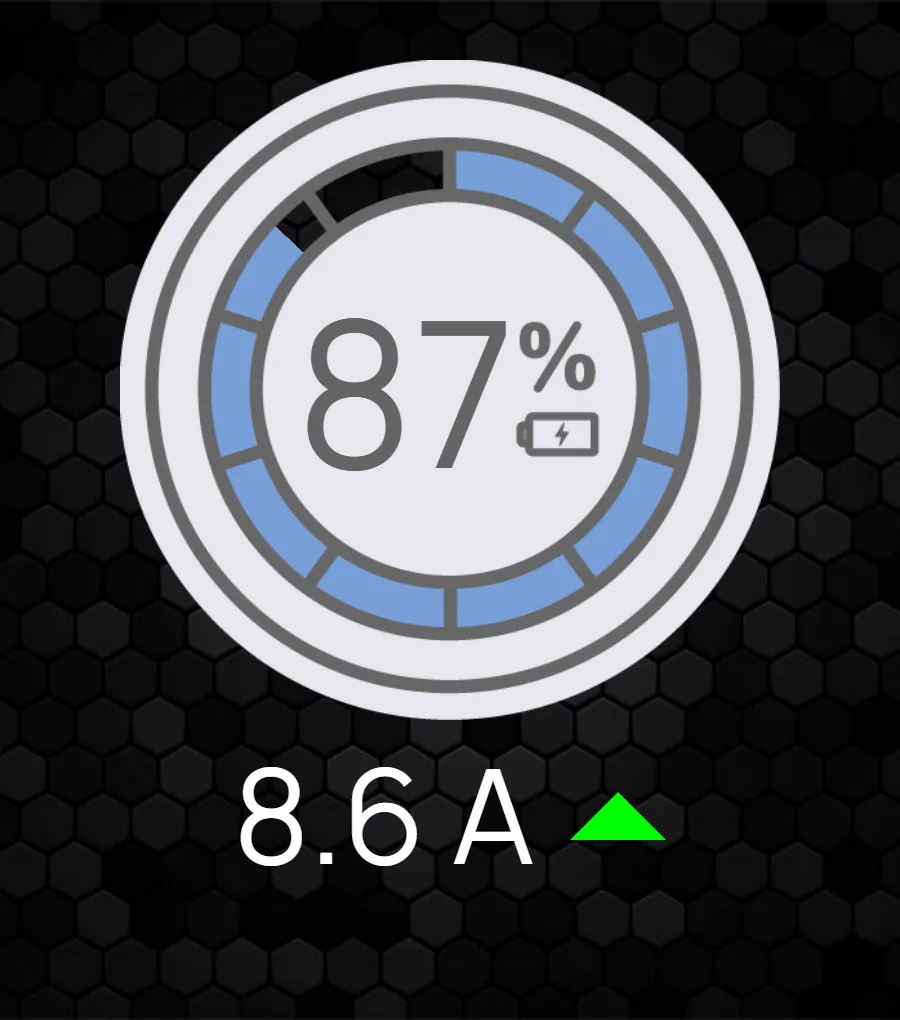
A SavvyShunt
From £120
A shunt sits on the battery negative and counts every amp in and out, four times a second. That turns a voltage reading into a measured percentage, with history and time remaining behind it.
The catch. It has to be wired in, and it must be the only thing on the battery negative - every load and every charger moves to the other side of it.
The answer for AGM, lead acid, and any lithium battery that does not report itself.
The difference on screen
Same panel, same page - what changes is how much it has to work with.
Batteries that need no shunt
These report themselves to the panel over wireless. Nothing to buy, nothing to wire - pair the battery and the numbers appear. You also get to see what each cell inside the pack is doing, which a shunt cannot show you.
-
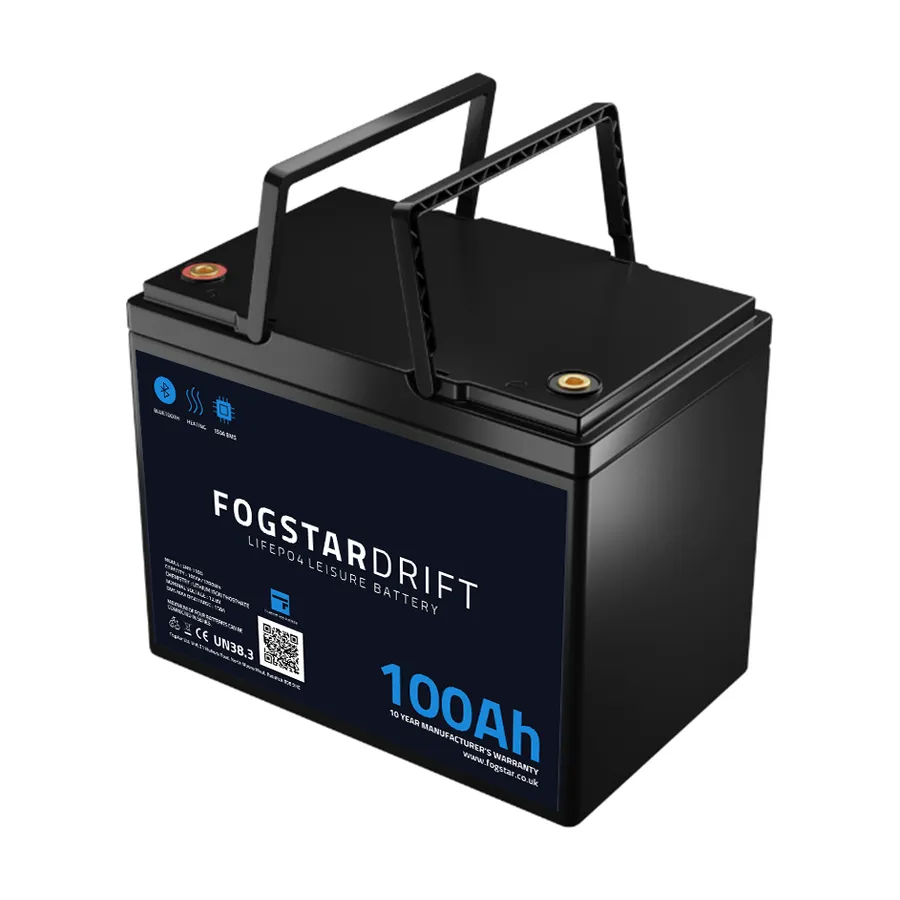
Fogstar
The panel reads the battery itself - state of charge, current and voltage - so there is no shunt to buy or fit. If the pack is locked with a PIN, the panel asks for it and remembers it; there is no need to remove the password first.
-
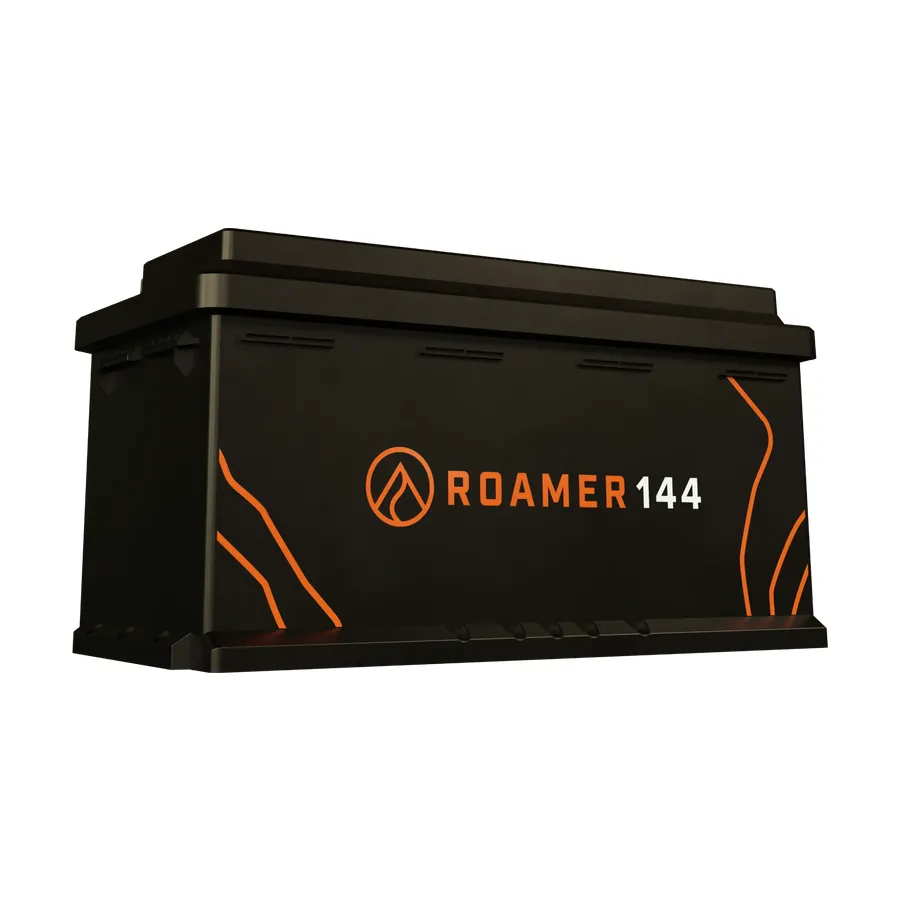
Roamer
Reads the battery directly, no shunt needed. It appears in the pairing list with a name beginning ROAM.
-
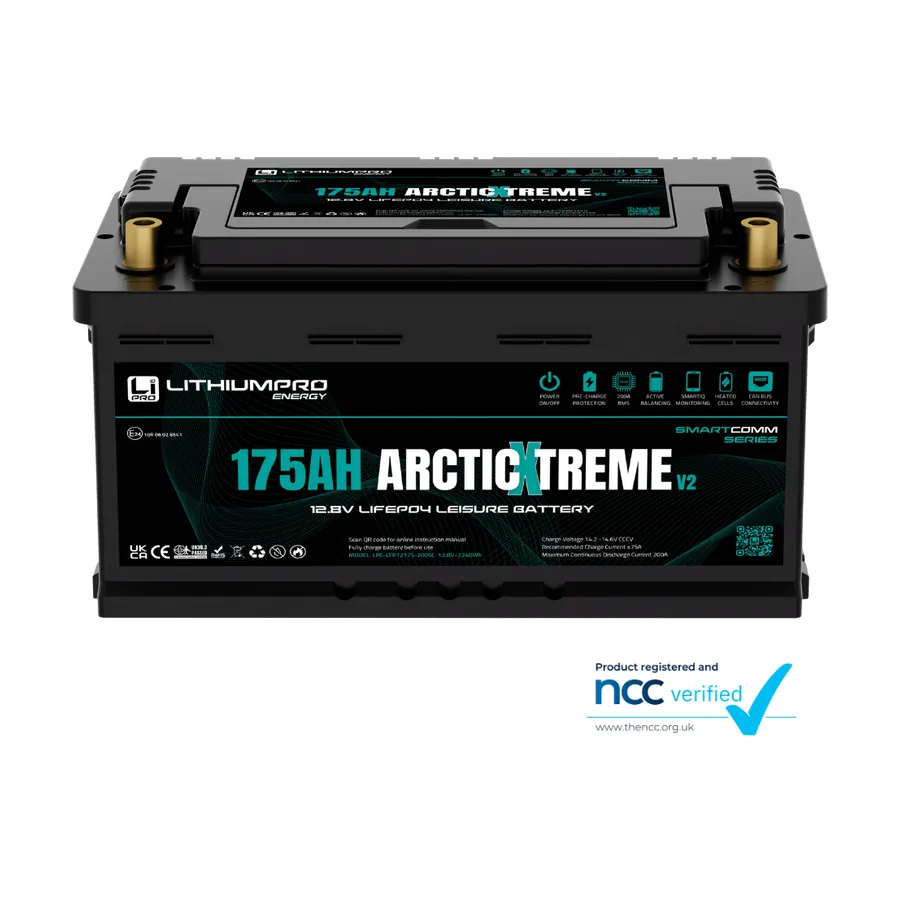
LithiumPro
Reads the battery directly, no shunt needed. It appears in the pairing list with a name beginning LPE.
-
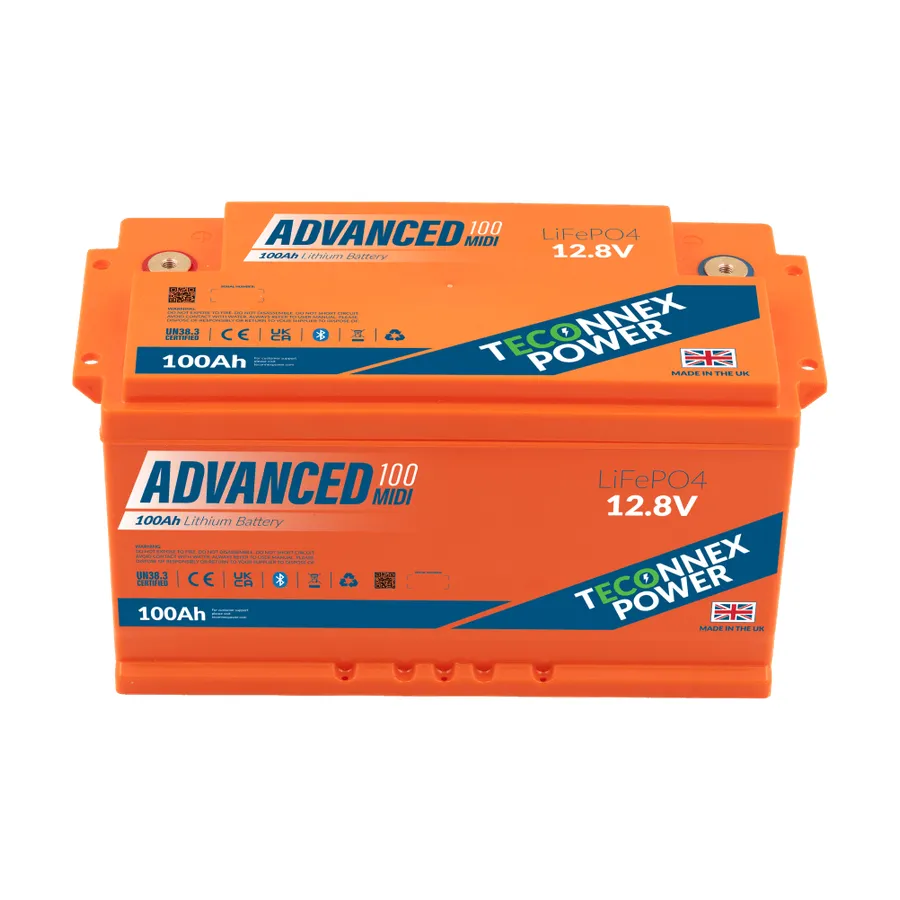
Teconnex
Reads the battery directly, no shunt needed. It appears in the pairing list with a name beginning TXP.
-
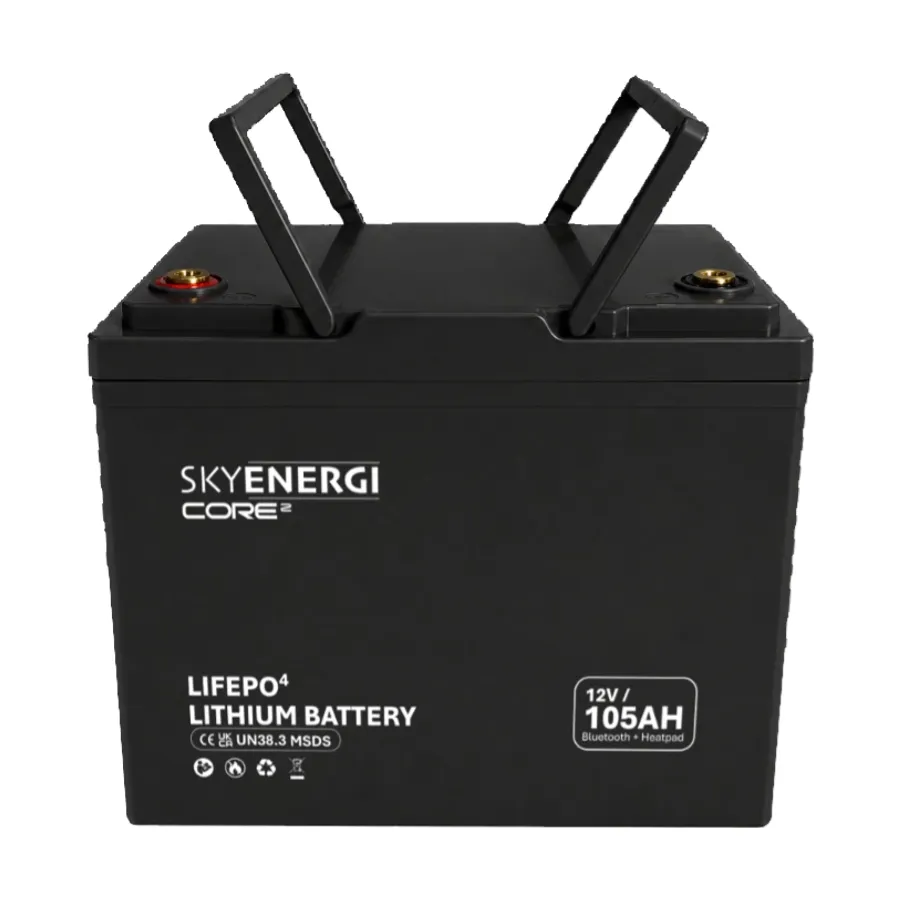
Skyenergi
Reads the battery directly, no shunt needed. It appears in the pairing list beginning SK12 or SK24, depending on your system voltage.
-
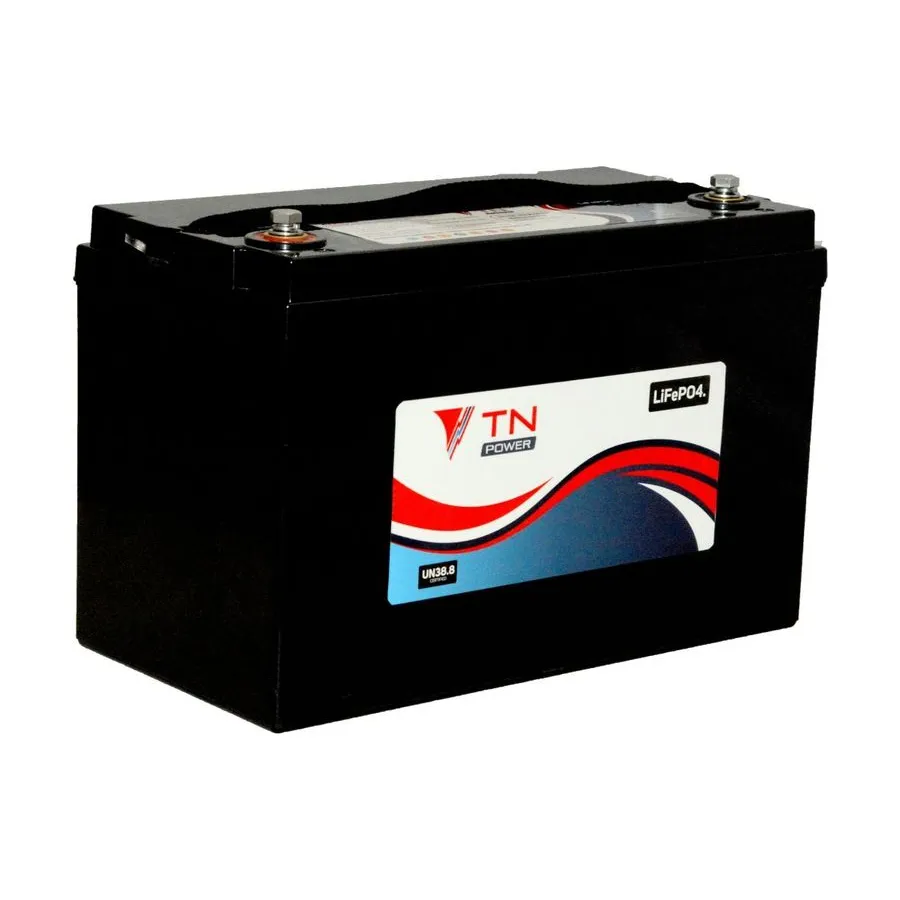
TN Power
Reads the battery directly, no shunt needed. It appears in the pairing list with a name beginning TN-LFP.
-
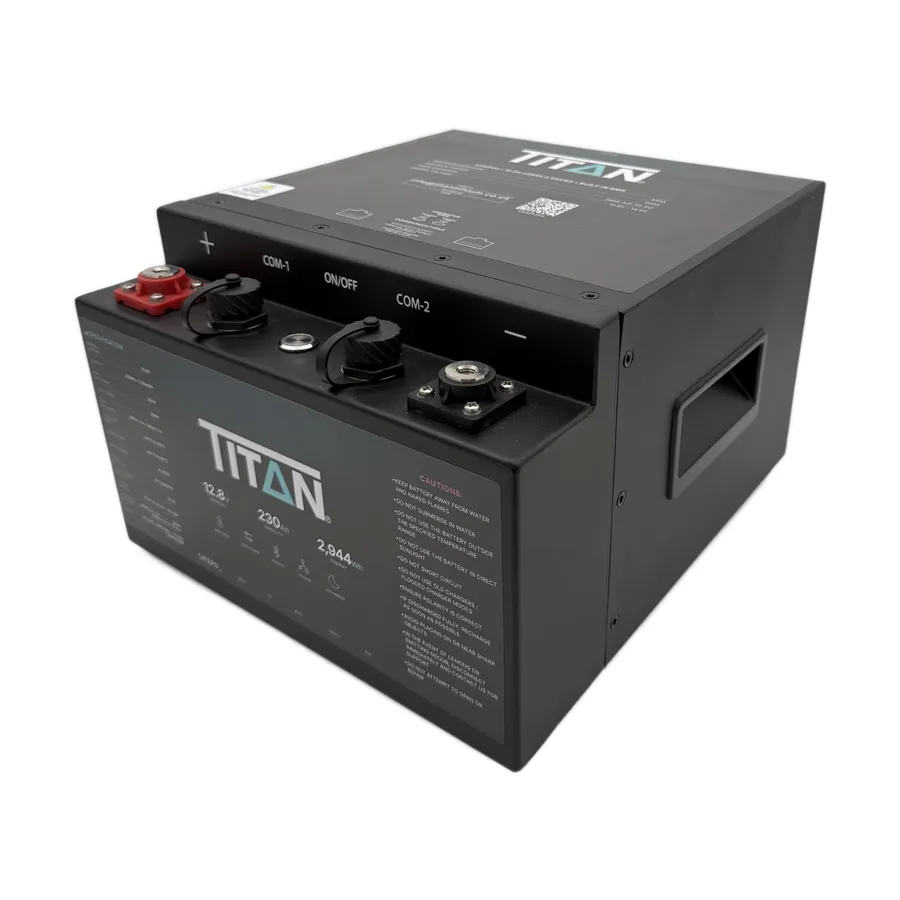
Titan
Reads the battery directly, no shunt needed. It appears in the pairing list with a name beginning Titan.
-
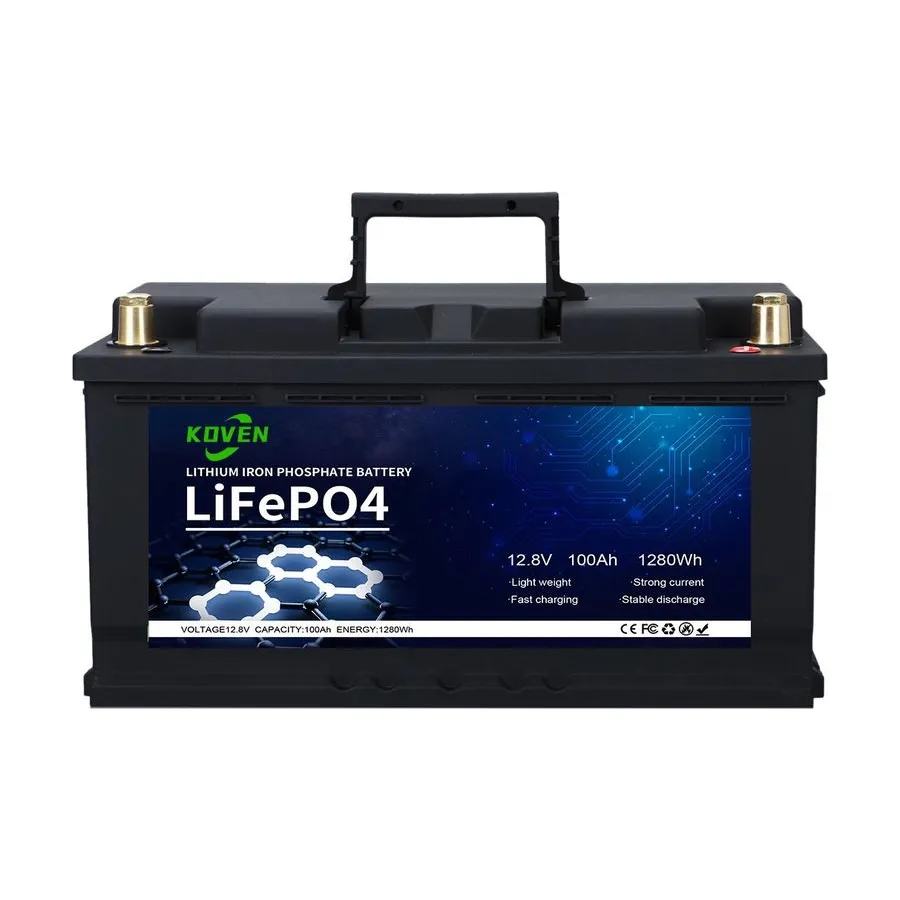
Koven
Reads the battery directly, no shunt needed. It appears in the pairing list with a name beginning DP04S rather than the brand name, which catches people out - that is your battery.
Not on the list? A SavvyShunt works with any battery - lithium, AGM or lead acid, on 12V or 24V. See also everything else SavvyVan works with.
Solar, from a Victron SmartSolar
If your van already has a Victron SmartSolar charger, panel software 2.5.1 reads it over wireless - no module from us. A solar dial sits under the battery on the home screen, with the watts coming in now and what the panels have made today. With a shunt or a battery that reports itself, the battery page gets a solar card as well.
Still not sure which you need?
Tell us what battery is in the van and we will tell you - including when the answer is "nothing, you are already covered".
Questions people ask
- Do I need a shunt if I have a Fogstar or Roamer battery?
- No. Fogstar, Roamer, LithiumPro, Teconnex, Skyenergi, TN Power, Titan and Koven batteries report state of charge, current and voltage to the panel directly over wireless, so you do not need a shunt. Use one or the other, never both.
- Can I fit more than one shunt?
- No. A SavvyVan3 system uses one battery source: one SavvyShunt, one direct battery connection, or a Clayton Power LPS2. Pair only one - with an LPS2 the panel refuses a second and names the one already paired.
- Do I need a shunt if I have a Clayton Power LPS2?
- No. An LPS2 is the battery, charger and inverter in one unit, and from panel software 2.5.1 the panel reads its state of charge, time remaining and what its chargers are putting in, and switches its inverter. It replaces a shunt, a direct battery connection and a separate Victron SmartSolar link rather than working alongside them.
- What does the panel show without a shunt or a supported battery?
- Battery voltage, and on a 12V system a rough visual of where you stand. Every panel has a built-in voltage sensor. It cannot show a true percentage, time remaining or current - measuring those needs a shunt or a battery that reports itself.